Part 4 of our Harnessing Microsoft AI: Real-World Use Cases for Business Owners series
How AI-Powered Slide Generation Can Save Time and Enhance Professionalism
Introduction: The Burden of Manual Presentation Design
For businesses, crafting compelling presentations can be time-consuming and creatively draining. Whether it’s preparing pitch decks, internal reports, or training materials, the process of formatting slides, organising information, and ensuring consistency often takes longer than expected.
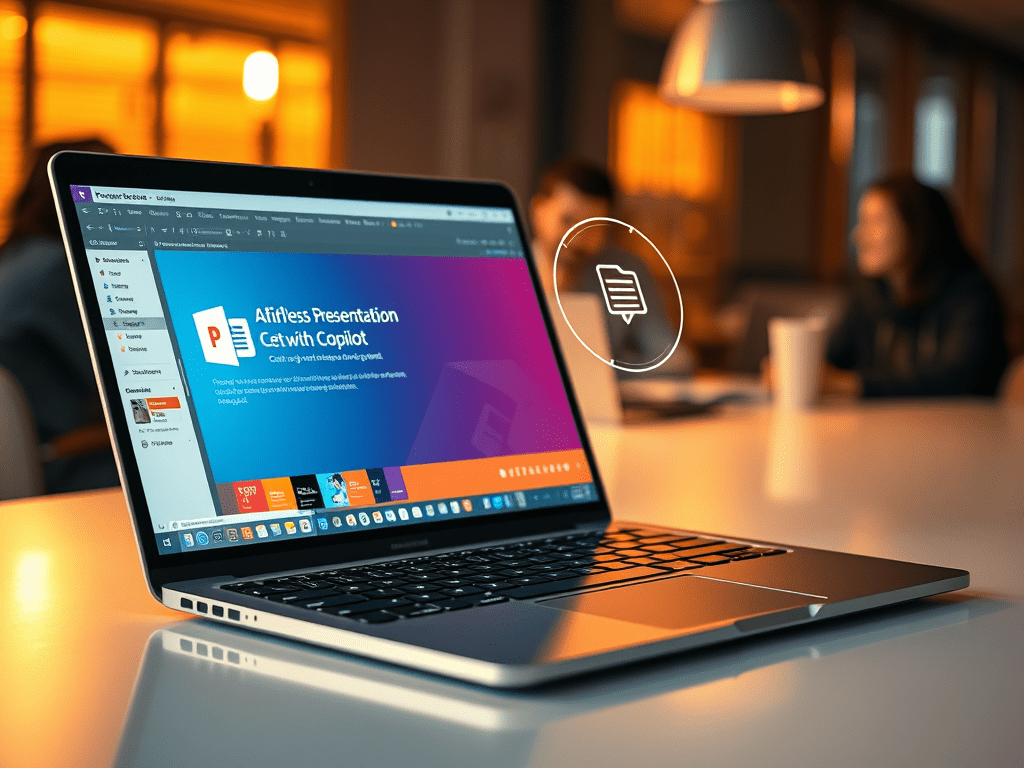
Microsoft Copilot offers a solution—allowing professionals to generate high-quality presentations quickly, optimising structure, content, and design while maintaining clarity. With AI-driven assistance, businesses can shift their focus from formatting to strategy, storytelling, and audience engagement.
Why Automate Presentation Creation?
Leveraging AI for PowerPoint isn’t just about speed—it directly improves efficiency, consistency, and content effectiveness. With Copilot’s smart slide creation, users can:
- Reduce manual effort by automating layout and formatting
- Ensure professional design without needing graphic expertise
- Refine messaging with AI-driven recommendations for clarity and impact
- Generate supporting materials like speaker notes and summaries automatically
Real-World Example: Automating Business Presentations
Consider a marketing team preparing a client pitch. Traditionally, this involves assembling ideas, designing slides, refining messaging, and ensuring coherence—tasks that require hours of manual effort.
With Copilot for PowerPoint, this process becomes effortless:
Step 1: Ask Coplot to create a presentation
You provide the outline or key points, and Copilot:
- Suggests a logical flow for the presentation
- Structures content into clear sections
- Generates slide layouts tailored to messaging
Step 2: Review the content
Manually tweak visuals and text, AI helps by:
- Rearrange the slides as needed and replace images
- Refining language for better audience engagement
- Ensuring each slide follows a coherent narrative
Step 3: Ask Copilot to prep you
- Have Copilot to summarise the key points
- Draft and introduction to the presentaiuton
- Ask for prestation tips
Other Time-Saving AI Capabilities for PowerPoint
Copilot streamlines various tasks, including:
- Quickly generating presentations from Word documents or bullet points
- Automatically creating graphs and visuals based on provided data
- Suggesting alternate wording for better clarity and persuasion
- Providing structured templates for business presentations
Best Practices for AI-Assisted Presentation Design
- Start with a clear objective before initiating AI slide creation
- Review AI-generated content to ensure relevance and accuracy
- Use Copilot as an assistant, not a replacement for strategic decision-making
- Refine AI suggestions to align with company branding and audience needs
Final Thoughts: Copilot as Your Presentation Partner
By harnessing AI-powered slide generation, businesses can reduce time spent on manual design, eliminate inconsistencies, and enhance storytelling.
Microsoft Copilot isn’t just a tool—it’s a presentation enabler, ensuring professionals can craft engaging, impactful slides without the frustration of formatting.
Next, we’ll explore how AI-powered content creation can enhance business marketing efforts. Follow Our Blog to make sure you don’t miss the next article.